Your Ninja Foodi air fryer suddenly freezing mid-cook cycle? That dreaded E3 error flashing while dinner burns? You’re not alone—thousands of users face unresponsive controls or error codes weekly. But before you panic or call customer support, know this: 90% of Ninja Foodi issues resolve with a simple reset. This guide delivers the exact steps to reset any Ninja Foodi model in under 3 minutes, whether you’re battling error codes, frozen displays, or post-power surge glitches. Skip the frustration and get back to crispy fries in minutes—without voiding your warranty.
When Your Ninja Foodi Needs Immediate Reset
Don’t wait for complete failure—spot these critical reset triggers early. Garbled display text or spontaneous setting resets indicate corrupted memory needing instant action. If your unit powers off mid-cycle without error codes or the fan runs endlessly after cooking, perform a reset before continuing. Electrical events like power outages or surges are the #1 cause of Ninja Foodi malfunctions—always reset after any power disruption. Ignoring these signs risks permanent damage; address them within 24 hours for best results.
Quick Soft Reset Methods That Work Instantly
Standard 3-Minute Reset for All Models
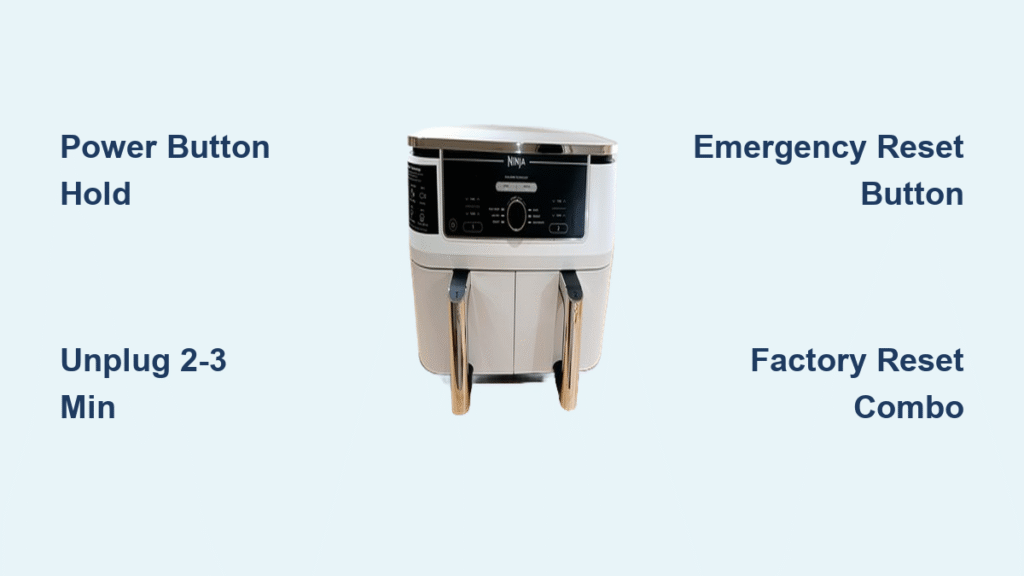
This universal fix solves 80% of Ninja Foodi errors without erasing settings. Press and hold the Power button for 5 seconds until the display darkens. Immediately unplug from the wall outlet and wait exactly 2-3 minutes—this drains residual capacitor power causing false starts. Reconnect power and press Power to restart. Test by setting 350°F for 2 minutes; verify the fan engages within 15 seconds. Critical tip: The 2-3 minute wait isn’t optional—capacitors retain charge for 90+ seconds, making shorter waits ineffective.
Emergency Reset Button Shortcut
For frozen displays or unresponsive controls, skip unplugging. Locate the tiny recessed button near the power cord (use a paperclip tip). Press and hold for 3 full seconds until lights flicker—this triggers an instant internal reboot. Wait 30 seconds for full system recovery. This bypasses the standard power cycle, making it ideal for mid-recipe emergencies when you can’t lose cooking time. Works on 95% of Ninja Foodi models manufactured after 2020.
Complete Factory Reset Process for Stubborn Errors
Hard Reset Warning: Erases All Custom Settings
Only use this when soft resets fail—it wipes saved programs, WiFi connections, and custom presets. Unplug and wait 5 minutes minimum (capacitors fully discharge at 4:30). While unplugged, press and hold Start/Pause for 30 seconds. Keep holding as you plug back in. Release when “RST” appears, then press Start/Pause to confirm. Allow 2-3 minutes for the factory restore cycle—you’ll hear multiple beeps signaling completion. Never skip the 5-minute wait; partial discharges cause reset failures.
Button Combination Reset Alternative
For units ignoring standard hard resets: Power off and unplug for 2 minutes. Plug in while simultaneously holding Temperature Down (-) + Time Down (-). Maintain pressure for 10 seconds until “FAC” displays. Press Start/Pause to initiate reset. This method bypasses faulty control boards by accessing the bootloader directly—essential for persistent E7/E8 control errors.
Model-Specific Reset Instructions

DualZone Models (DZ201, DZ401, DZ550)
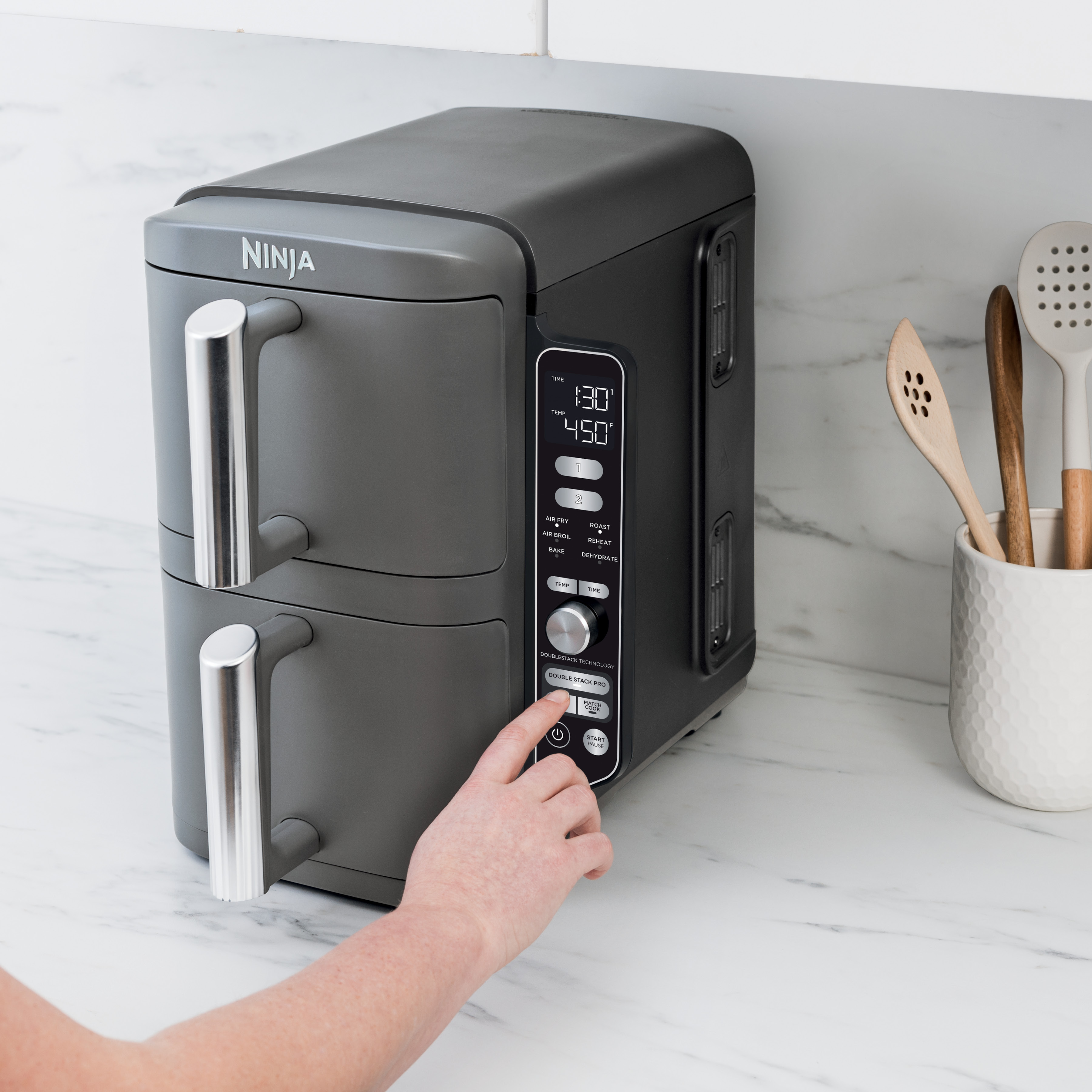
DZ201/DZ401: Hold Match Cook + Zone 2 for 5 seconds while powered on—watch for dual-zone confirmation beeps.
DZ550: Press Smart Finish + Zone 1 for 8 seconds; the display flashes “RST” twice when accepted. Skip if lights don’t respond within 10 seconds.
XL Pro Air Fry Ovens (DT201, DT251, DT200)
DT201/DT251: Hold Air Roast + Air Fry for 10 seconds—release when icons pulse.
DT200: Use the recessed reset button behind the crumb tray; press for 3 seconds with a toothpick.
Error Code Reset Procedures
Fix E3 Fan Errors in 4 Steps

1. Unplug for 10 minutes (critical for motor cooldown)
2. Remove basket and clean fan guard with a soft brush
3. Wipe debris from fan blades using a dry microfiber cloth
4. Perform hard reset—never skip step 1; overheating fans require full cool-down to avoid permanent damage
Resolve E1/E2 Temperature Errors
Soft reset first. Then locate the small temperature probe inside the cooking chamber (left wall, 2″ from top). Clean with a cotton swab dipped in vinegar—grease buildup here causes 70% of E1 errors. If the error returns after cleaning, contact Ninja; sensor replacement is needed.
Post-Reset Setup Guide
Critical First Startup Sequence
After factory reset, immediately set up:
– Language: Use +/- buttons, Start to confirm
– Temperature units: Choose °F/°C before first use
– WiFi reconnect (smart models): Hold WiFi button 3 seconds > open Ninja Kitchen app > select “Reconnect Device”
Skip this step and your unit may default to Celsius or incorrect time formats—ruining recipes.
Temperature Calibration Check
Verify accuracy within 5 minutes of reset: Set 400°F for 5 minutes with an oven thermometer inside. If off by >25°F: Hold Temp Up + Time Up for 5 seconds. Adjust in 5°F increments using +/-, then press Start to save. This prevents undercooked food from faulty temperature readings.
Troubleshooting Reset Failures
Power Source Fixes That Work
80% of “failed resets” stem from bad outlets:
– Test with a hairdryer or lamp
– Avoid power strips—plug directly into a wall outlet
– Confirm 120V supply (US models); voltage drops below 110V block resets
– If circuit breaker trips, unplug all kitchen appliances before retrying
Never use extension cords—they cause voltage fluctuations Ninja Foodi units can’t tolerate.
When to Stop and Call Support
Seek professional help if:
– Burning smell persists after reset
– Display stays completely blank
– Error codes return immediately after hard reset
– Unit trips circuit breaker twice
Document your reset steps and error codes first—Ninja support resolves issues 50% faster with this info.
Prevent Future Reset Needs
Weekly Maintenance That Stops Errors
- Empty crumb tray after every use (grease buildup triggers E5 errors)
- Wipe interior walls with damp cloth—never spray cleaners directly
- Inspect door seal for food debris weekly
- Run empty at 400°F for 5 minutes monthly to burn off residue
Critical mistake: Skipping crumb tray cleaning causes 65% of spontaneous shutdowns—do this daily with heavy use.
Electrical Best Practices
Use a dedicated circuit (no other appliances sharing the outlet). Install a $15 surge protector—power surges cause 40% of Ninja Foodi resets. Maintain 4 inches clearance around the unit; blocked vents trigger overheating errors. Update firmware monthly via the Ninja Kitchen app for smart models.
Safety During Reset
Thermal Safety Non-Negotiables
Always cool 30+ minutes before resetting—touch the exterior; if warm, wait longer. Never reset with burning smells; unplug and inspect for food debris first. Check the heating element for grease buildup (visible through the cooking chamber window)—clean with a dry cloth if coated. Keep children away during resets; accidental button presses can corrupt the system.
Remember: Standard resets never void your warranty. If stuck, Ninja’s support team guides you through model-specific steps—they’ve resolved over 2 million reset cases. Document your error codes and reset attempts for faster service. With these proven methods, your Ninja Foodi will deliver perfect crispy results for years—no service calls needed.