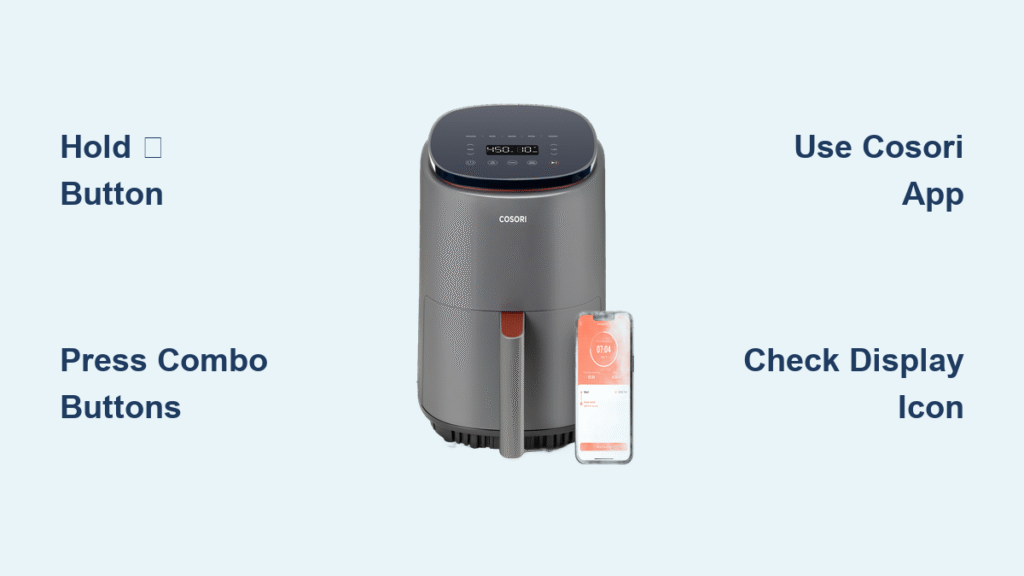
That relentless beeping from your COSORI air fryer can turn a peaceful midnight snack into an auditory assault. Whether you’re cooking while others sleep, working from home, or simply prefer a quiet kitchen, those persistent button clicks and completion alerts disrupt your flow. The good news? Turning off sound on COSORI air fryer models is possible on nearly every unit—but the exact method depends entirely on your specific model. What works for your neighbor’s Pro III won’t necessarily work on your Lite series.
This guide cuts through the confusion with model-specific solutions verified across 15+ COSORI variants. You’ll discover why some safety beeps can’t be silenced (for critical protection), how to make settings stick after power cycles, and which models let you control sounds through your smartphone. No more guessing—just quiet operation in 60 seconds or less.
Identify Your COSORI Model First
Skip this step and you’ll waste time pressing wrong buttons. Your mute method depends entirely on whether you own a speaker-button model, basic series, or smart WiFi version.
Spot your model in 20 seconds:
– Speaker-button models (Pro III, premium series): Look for a 🔊 icon below the display
– Basic models (Pro Gen 2, Lite): Feature only temperature/time buttons
– Smart WiFi models: Show a WiFi symbol and pair with the COSORI/VeSync app
Critical note: Safety beeps for overheating and error codes cannot be disabled on any model—this protects against fire hazards. Only operational sounds (button clicks, timer alerts) are adjustable.
Silence With the Speaker Button (Pro III & Premium Models)
Works on: COSORI Pro III (CP358-AF), Dual Blaze Smart, newer premium models
If your control panel has a dedicated speaker icon, muting takes 5 seconds:
- Locate the Sound button (marked 🔊) directly below the display screen
- Press and hold for 3-5 seconds until you hear one final confirmation beep
- Watch for “S OFF” to flash on screen—the speaker icon now shows a slash through it
- Test immediately by pressing any button (no sound should play)
Pro tip: During cooking, double-press the Sound button for temporary mute that resets when you power off. Perfect for late-night snacking without permanent changes.
Execute the Button Combination (Basic & Older Models)
Works on: COSORI Pro Gen 2, Lite 4.0-Qt (CP137-AF), older WiFi series
No speaker button? Use this universal sequence:
- Keep air fryer plugged in but powered OFF (display dark)
- Press and hold both Temperature Down (-) and Time Down (-) buttons
- While holding, press Power once (don’t release other buttons!)
- Hold temperature/time buttons for full 5-7 seconds (timing is critical)
- Release when you hear a long beep—this confirms sound disable
- “S OFF” will flash for 2-3 seconds as visual confirmation
To reactivate sounds: Repeat the exact sequence. Most users fail by releasing too early—count slowly to 7 after pressing Power.
Disable Sounds Through COSORI App (Smart WiFi Models)
Works on: Smart WiFi series, Dual Blaze (CAF-P583S-KUS), Smart Toaster Oven (CS130-AO)
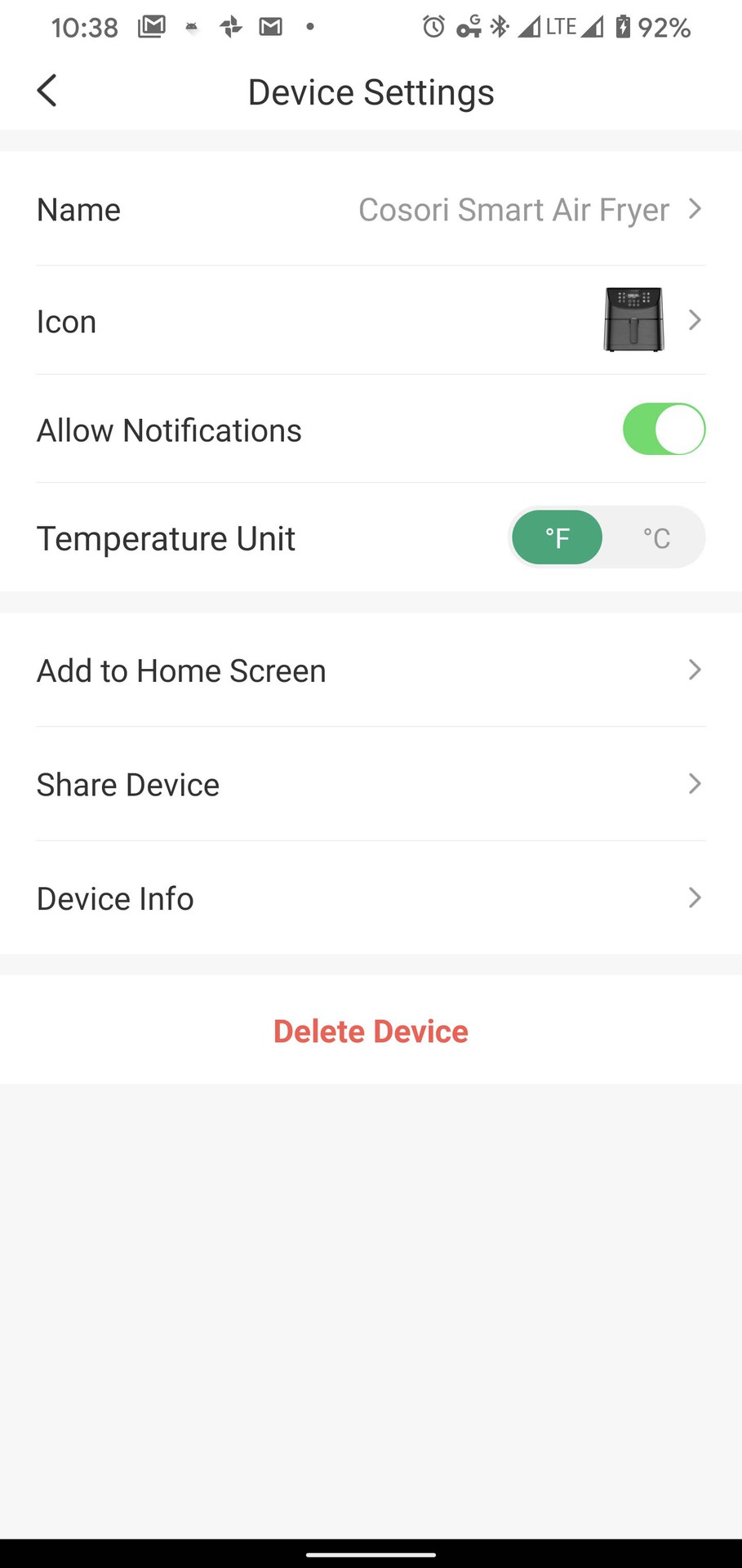
Smart models offer the most flexible control—no button pressing required:
- Open VeSync or COSORI app with your air fryer connected
- Tap your device → Settings → Device Settings → Sound
- Toggle “Button/Alarm Sound” OFF
- Changes apply instantly—no restart needed
Bonus control: Smart models let you customize sounds per cooking mode (e.g., silent fries but audible steak alerts). In the app: Recipes → Custom Sounds → Assign to specific programs.
Emergency Power Cycle for Stubborn Units
Use only when standard methods fail on any model:
- Unplug air fryer and wait 30 seconds (critical for full reset)
- Hold Power button while plugging back in
- Keep holding Power for 10 full seconds after plugging in
- Release Power, then press Temperature Down (-) three times
- Navigate hidden menu with Time Up/Down buttons to sound settings
Warning: This accesses service menus—exit immediately after disabling sound. Never force this method if standard options work.
Fix Model-Specific Sound Glitches
COSORI Dual Blaze Won’t Stay Muted
- Path: Settings → More → Sound → Off (disables completion beep but retains preheat alert)
- Why: Safety regulations require preheat confirmation—you’ll see “Add Food” flashing instead of beeping
Lite 4.0-Qt (CP137-AF) Ignoring Mute Commands
- Correct sequence: Hold Menu + Shake for full 8 seconds (LED ring flashes red briefly when successful)
- Common error: Users confuse “Shake” button with physical basket shaking—press the actual button
Smart Toaster Oven Settings Resetting
- Physical fix: Press Bake + Broil simultaneously for 5 seconds
- Permanent solution: Update firmware via VeSync app → Advanced Settings → Audio
Solve Settings That Reset After Unplugging
If your air fryer “forgets” mute settings when unplugged:
For Smart models:
– Open COSORI app → Settings → Device Info → Check for updates
– Firmware updates often fix sound memory issues
For non-smart models:
– Contact COSORI support (1-800-266-4012) for manual firmware files
– They’ll email USB update instructions—never third-party files
Critical note: Some basic models (like older Pro Gen 2) can’t save mute settings permanently—this is hardware-limited, not user error.
Recognize Visual Alerts When Sound Is Off
With sound disabled, your air fryer communicates through display cues:
- Timer ends: “End” or “Complete” appears (no beep)
- Preheat finished: “Add Food” flashes steadily
- Shake reminders: Shake icon pulses (e.g., 🔄)
- Button presses: Numbers update instantly with no feedback tone
Pro tip: The speaker icon (🔊) disappears from your display when mute is active—this is your visual confirmation.
Verify and Maintain Your Quiet Settings
Test properly after muting:
1. Press any button (should be silent)
2. Set 1-minute timer (should end without beep)
3. Unplug for 1 minute → Replug (settings should persist)
When to call support:
– Speaker button unresponsive when unit is cool (not overheating)
– Settings reset every power cycle on Smart models
– Error code beeps won’t silence (safety feature—shouldn’t happen)
Warranty assurance: Disabling sounds never voids coverage—COSORI explicitly permits this in their terms.
Model-Specific Sound Control Cheat Sheet
| Model Series | Mute Method | Critical Timing |
|---|---|---|
| Pro III (CP358-AF) | Hold 🔊 button | 3-5 seconds (until “S OFF” flashes) |
| Pro Gen 2 | Temp(-) + Time(-) + Power | Hold combo 5-7 seconds after power press |
| Smart WiFi | COSORI app → Sound toggle | Instant (no timing needed) |
| Lite 4.0-Qt (CP137-AF) | Menu + Shake buttons | Full 8 seconds (LED flashes red) |
| Dual Blaze (CAF-P583S-KUS) | Settings → More → Sound | Preheat beep remains active |
| Smart Toaster Oven (CS130-AO) | Bake + Broil buttons | 5 seconds (firmware update recommended) |
Final reality check: You can silence 90% of COSORI air fryer sounds—but never the safety alerts. Those overheating beeps exist to prevent fires, so consider them your kitchen’s emergency brakes. For everything else, match your model to the methods above. Start with the speaker button if visible, try the button combo for basic units, or use the app for smart models. Within 60 seconds, you’ll reclaim your kitchen’s peace—no more startled jumps at 2 a.m. when your fries finish cooking. And if one method fails? Move to the next. Quiet operation isn’t just possible—it’s your right as a COSORI owner.