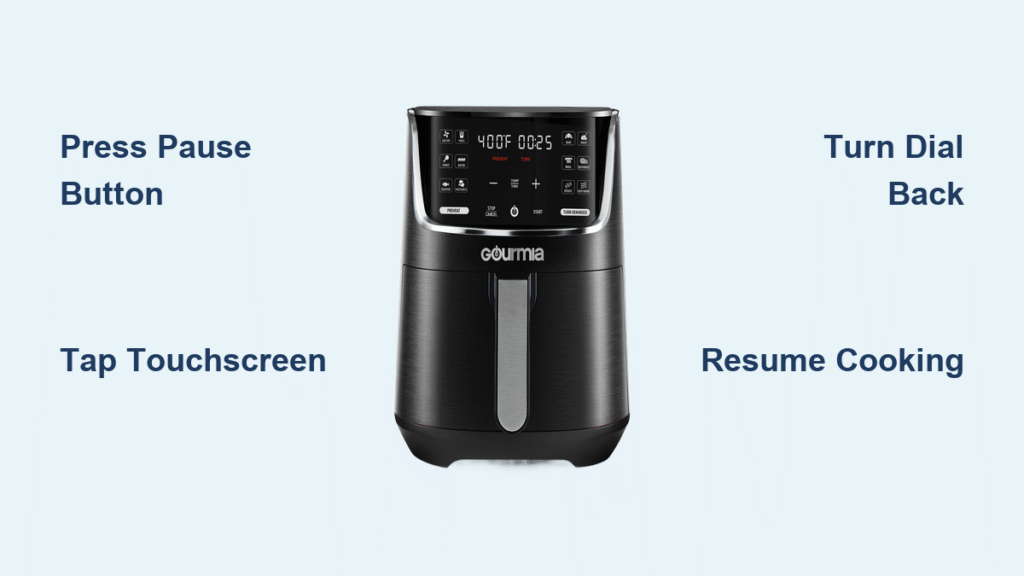
Your Gourmia air fryer is humming along, crisping up dinner, when suddenly you need to flip those fries or add another ingredient. Finding the pause button isn’t always obvious—Gourmia uses different control designs across their models. This guide shows you exactly how to pause any Gourmia air fryer without ruining your meal or resetting the cooking cycle.
You’ll learn the precise pause methods for both digital and analog models, discover what happens to your timer and temperature settings during a pause, and master the safest way to check on your food mid-cook. Whether you own a compact 2-quart GAF200 or the family-size 8-quart GAF856, we’ve got your pause procedure covered. Knowing how to properly pause your Gourmia air fryer prevents accidental resets and ensures perfect cooking results every time.
Find the Pause Button on Your Digital Gourmia Air Fryer
Modern Gourmia air fryers with LED displays feature a dedicated pause function, but its location varies by model. The pause button typically appears as two vertical bars (⏸️) or may be integrated into the start/stop button. On touchscreen models like the GAF856, simply tap anywhere on the display to bring up the pause option.
Where to Press Pause on Specific Digital Models
GAF6 series models: Locate the pause button on the right side of the display panel, marked with the ⏸️ symbol. A single press stops the cooking cycle while maintaining all settings. These models flash “PAUSE” on the display and keep the temperature active during brief pauses.
GTF7 series units: The center button below the temperature display serves dual functions. Press this button once to pause your cooking cycle. When paused, the fan stops immediately but the heating element remains active to maintain temperature.
Touchscreen Gourmia models: Tap the timer area on the display screen to activate pause mode. The interface will show a prominent “PAUSE” button that must be tapped to confirm. These models keep all cooking parameters intact for up to 5 minutes before automatically resetting.
What Happens When Your Gourmia Air Fryer Pauses
When successfully paused, your Gourmia will provide clear visual and auditory feedback. The display flashes “PAU” or “PAUSE” in bright letters while the fan stops its high-speed rotation. Crucially, the unit maintains both your time and temperature settings—this is what separates a true pause from accidentally resetting your cooking cycle. The internal heating element may continue operating at a reduced level to maintain cooking temperature during short pauses.
Pause Your Analog Gourmia Air Fryer Without Resetting
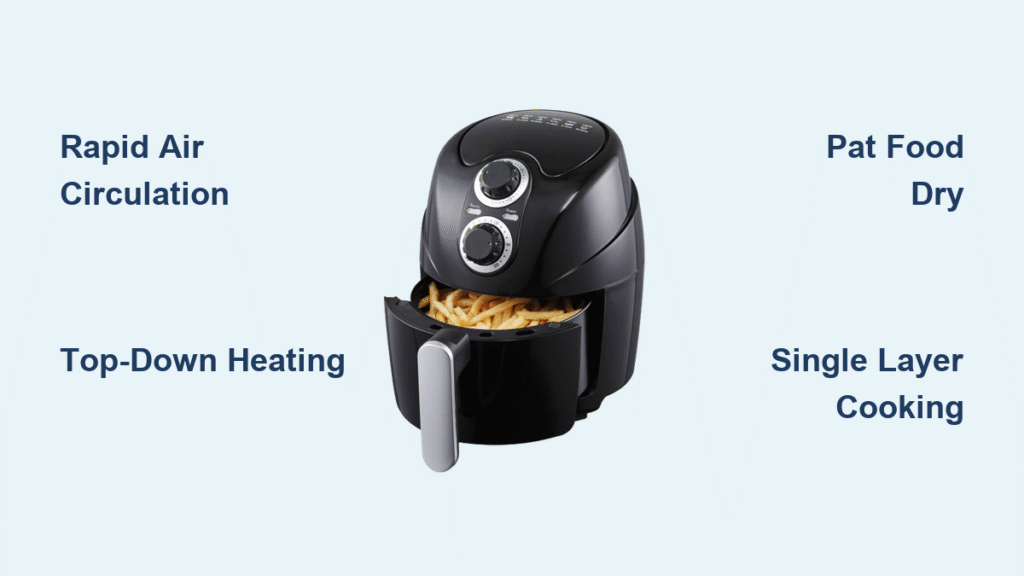
Traditional dial-controlled Gourmia models like the GAF200 and GAF300 lack electronic pause functions. Instead, you’ll use the timer dial as a manual pause mechanism. Turn the dial counterclockwise until the ticking stops—this holds your settings without resetting them completely.
Proper Manual Pause Technique for Dial Models
- Turn timer dial counterclockwise until the ticking sound stops (usually about 5-10 minutes back from current time)
- Note current time remaining before opening basket—use your phone timer as backup
- Remove basket carefully using oven mitts, pulling straight out to avoid spills
- When ready to resume, turn dial clockwise to your noted time plus 30-60 seconds
Critical Safety Steps When Pausing Analog Models
Always pull the basket straight out rather than tilting it—this prevents hot oil from spilling toward you. The basket handles become extremely hot during extended cooking cycles, so use silicone oven mitts specifically designed for high heat. Keep your face away from the steam release area when opening the basket, as the sudden burst of hot air can cause burns. Never leave the basket out for more than 2 minutes to prevent significant temperature drops that affect cooking quality.
Resume Cooking Without Ruining Your Meal
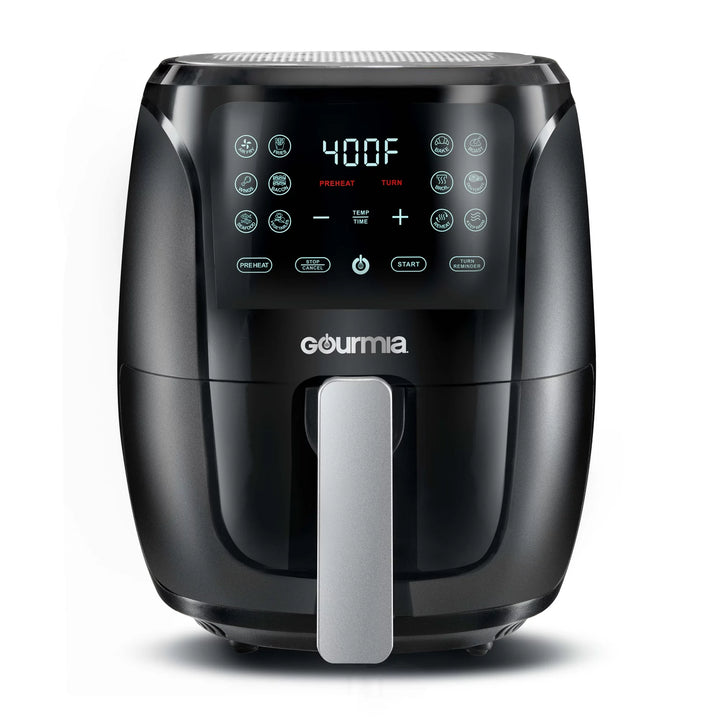
Resuming your Gourmia air fryer requires different steps depending on your pause method. Digital models restart instantly with all settings intact, while analog models need careful time adjustment to compensate for heat loss.
Perfect Resume Steps for Digital Models
Press the same pause button once to resume cooking—no need to reset anything. Your Gourmia will emit a single confirmation beep and restart immediately. The timer continues precisely from where it left off, and critically, the temperature remains unchanged throughout the pause. For touchscreen models, swipe upward on the display to confirm resumption. Always verify the fan has restarted before closing the basket completely.
Correct Resume Procedure for Analog Models
Turn the timer dial clockwise to your noted time plus an extra 30-60 seconds to compensate for heat loss during the pause. Press the basket firmly into place until you hear the distinct click that confirms proper seating. Listen carefully for the fan restart—if you don’t hear it within 10 seconds, check that the basket is fully inserted. These manual models lose more heat during pauses, so adding that extra time ensures your food finishes cooking properly.
Fix Common Pause Problems Before They Ruin Dinner
Sometimes your Gourmia won’t pause as expected. These frequent issues have simple solutions that keep your cooking on track without requiring a complete restart.
Make Unresponsive Pause Buttons Work Immediately
When the pause button feels unresponsive, press firmly for 2-3 seconds rather than a quick tap—many users don’t apply enough pressure. Clean around buttons with a dry microfiber cloth to remove grease buildup that interferes with button function. If problems persist, unplug for 30 seconds to reset the control board completely. Check if child lock is accidentally engaged—hold temperature down + time up buttons simultaneously for 3 seconds to disable it.
Prevent Timer Resets After Pausing
If your timer restarts at zero after pausing, you’re likely opening the basket too quickly—always pause first, then remove the basket. For analog models, you probably turned timer past the “0” mark during your pause attempt. The solution is simple: pause first, then remove basket completely. Digital models automatically reset if the basket is removed without pausing first—a design feature that prevents accidental interruptions.
Stop Uneven Cooking After Resuming
Food cooks unevenly when paused too long because the temperature drops significantly. Keep pauses under 2 minutes to maintain cooking temperature within acceptable range. Shake or flip food during your pause for more even results—this is especially critical for items like French fries. For pauses longer than 90 seconds, add 1-2 minutes to your total cooking time to compensate for heat loss.
Handle Food Safely During Mid-Cook Pauses
Pausing gives you the perfect opportunity to improve your results. Knowing when and how to handle food during pauses prevents burns and ensures crispy, evenly cooked meals every time.
Optimal Pause Timing for Different Foods
French fries: Pause at 8-10 minute mark to shake basket for even crispiness—this prevents soggy bottoms. Chicken wings: Flip at the halfway point using silicone tongs for uniform browning on all sides. Vegetables: Toss gently every 5-7 minutes to prevent scorching on the hot basket surface. Frozen foods: Break apart clumps after the first 5 minutes to ensure individual pieces cook properly.
Professional Basket Handling Techniques
Pull basket out 3-4 inches to access food without removing it completely—this maintains more heat in the cooking chamber. Use silicone-tipped tongs specifically designed for air fryers to avoid scratching the non-stick basket coating. Close basket gently but firmly to maintain temperature seal without damaging the unit. Never exceed the max fill line—overfilling causes uneven cooking and makes pausing less effective.
Prevent Accidental Pauses That Ruin Your Cooking
Nothing ruins dinner faster than an accidental pause. Learn to prevent common triggers that interrupt your cooking cycle and force you to restart.
Activate Child Lock on Digital Models
Enable child lock to prevent accidental button presses: Hold temperature down + time up buttons simultaneously for 3 seconds until the lock icon appears. This feature is essential in households with children or busy kitchens where the unit might get bumped. Repeat the same button combination to unlock when you need to pause intentionally. Models like the GAF856 maintain child lock settings between cooking sessions.
Strategic Kitchen Placement for Fewer Interruptions
Keep 6 inches of clearance around your Gourmia air fryer for proper ventilation and to prevent accidental bumps. Avoid placing near your sink where steam might trigger moisture-sensitive controls on some models. Position away from high-traffic kitchen areas to prevent people from accidentally hitting the pause button as they move through the space. Place it on a stable, heat-resistant surface away from cabinet edges where it could be knocked over.
Maintenance That Prevents Pause Button Failures
Wipe control panel with a slightly damp cloth after each use to prevent grease buildup that causes sticky buttons. Remove stubborn grease splatters from around buttons using a soft-bristled toothbrush—never use abrasive cleaners. Never spray cleaner directly onto controls—apply to cloth first to avoid liquid damage. Regular cleaning prevents the most common cause of unresponsive pause buttons.
Model-Specific Pause Reference Guide
Digital Models (GAF6, GTF7, GAF8 series):
– Press dedicated ⏸️ button or tap display area
– Resume with single button press—no reprogramming needed
– All settings maintained automatically for up to 5 minutes
– Ideal for frequent mid-cook checks without quality loss
Analog Models (GAF2, GAF3 series):
– Turn timer dial counterclockwise to stop ticking
– Note time carefully, then resume at same point plus 30-60 seconds
– Add extra time for heat recovery after basket removal
– Best for quick 30-60 second checks to maintain temperature
Touchscreen Models (GAF850 series):
– Tap timer display area to reveal on-screen pause button
– Use visual interface to confirm pause status
– Swipe up to resume cooking cycle
– Most intuitive interface but requires clean, dry fingers
Mastering the pause function transforms your Gourmia air fryer from a basic set-and-forget appliance into a precision cooking tool. Whether you’re flipping ingredients for even browning or adding last-minute seasonings, these model-specific pause techniques ensure perfect results every time. Remember the golden rule: pause first, then handle—this simple sequence prevents timer resets and maintains consistent cooking temperatures throughout your meal. For optimal performance, limit pauses to under 90 seconds and always verify your unit has fully resumed before closing the basket completely.