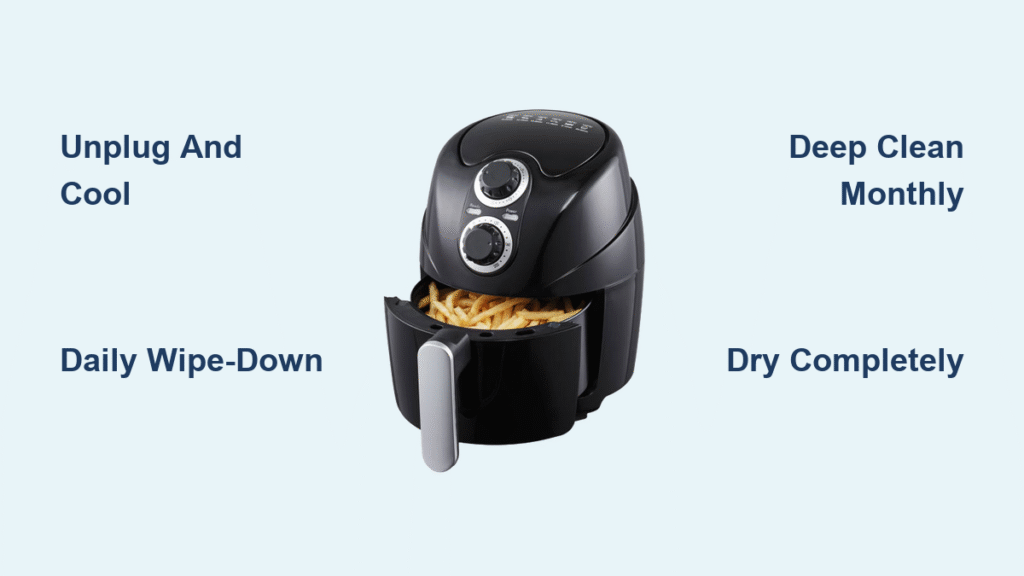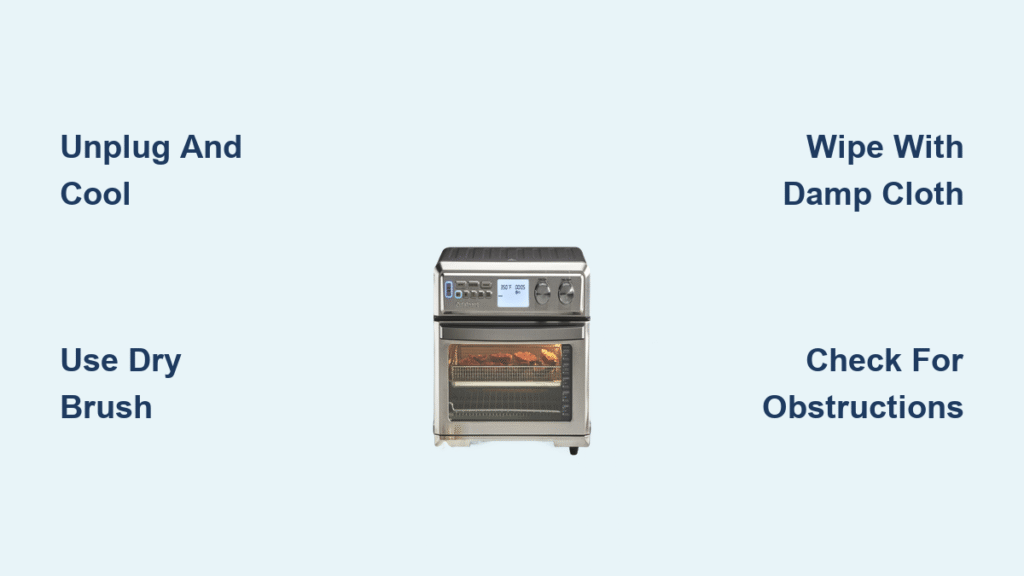
That stubborn greasy film coating your Cuisinart air fryer’s ceiling isn’t just unsightly—it’s slowly suffocating your fan and killing performance. When your crispy fries start tasting like last week’s salmon, it’s definitely time for a deep clean. This guide walks you through exactly how to clean your Cuisinart air fryer fan safely and effectively, preventing costly repairs while restoring peak cooking performance. You’ll learn model-specific techniques that work whether you own a TOA-60, AFR-25, or digital TOA-65 model.
Essential Safety Steps Before Cleaning Your Cuisinart Air Fryer Fan
Unplug your unit and let it cool for a full 30 minutes before attempting any cleaning. Those heating elements maintain dangerous temperatures long after cooking ends—rushing this step risks severe burns. Never work on a warm unit, as residual heat combined with cleaning solutions creates steam hazards inside the housing.
Gather your cleaning arsenal: soft-bristled brush (1-inch width works best), lint-free microfiber cloths, mild dish soap, warm water, standard and extra-long cotton swabs, compressed air canister, and a small flashlight. Never use abrasive cleaners or steel wool—these scratch surfaces and accelerate future grease buildup.
The most common mistake? Introducing moisture near electrical components. Keep your cleaning solutions minimal and cloths barely damp—never dripping. One drop of water in the wrong place can short-circuit your entire unit.
Locate Your Cuisinart Fan Assembly in 60 Seconds

Shine your flashlight into your empty cooking chamber—the fan sits directly overhead, either perched above the heating element or integrated within it. You’ll identify four critical components: plastic fan blades, metal motor housing, mesh fan guard, and the central motor shaft. Some models like the TOA-60 have removable guards secured by two Phillips head screws, while compact AFR-25 units require cleaning through the cooking chamber opening only.
Why Proper Fan Identification Matters
Misidentifying your fan assembly leads to improper cleaning techniques. Digital TOA-65 models have moisture-sensitive components that require extra caution. If you see a metal mesh screen covering the fan area, your model likely has a removable guard—check for small clips or screws around the perimeter. Without proper identification, you risk damaging delicate components during cleaning.
Remove Basket and Accessories for Maximum Access
Strip your air fryer completely bare—remove the cooking basket, crisper plate, and any accessories. Position the unit on a stable, well-lit surface where you can comfortably work overhead. This prevents accidental drops and gives you clear visibility into the fan area. For models with removable crumb trays like the TOA-60 series, slide this out first to gain partial access to the fan housing.
Pro tip: Place a paper towel underneath your unit during cleaning—this catches falling debris that would otherwise contaminate your workspace. Working over a clean white surface helps spot grease splatters you might otherwise miss.
Dry Clean Loose Debris Without Damaging Components
Start with the brush-off method: use your soft-bristled brush to gently sweep dust and food particles from fan blades, working at an angle so debris falls out naturally rather than deeper into the unit. Hold a paper towel beneath the fan area to catch falling debris—this prevents recontamination of clean surfaces below.
Target Stubborn Crumbs Between Fan Blades
For particles wrapped around the motor shaft, use pipe cleaners or extra-long cotton swabs. Compressed air works wonders here—always aim at a 45-degree angle to blow debris outward, never toward the motor bearing. One improper blast can force grease deeper into the motor housing, creating permanent damage.
Wet Clean Fan Components Without Water Damage
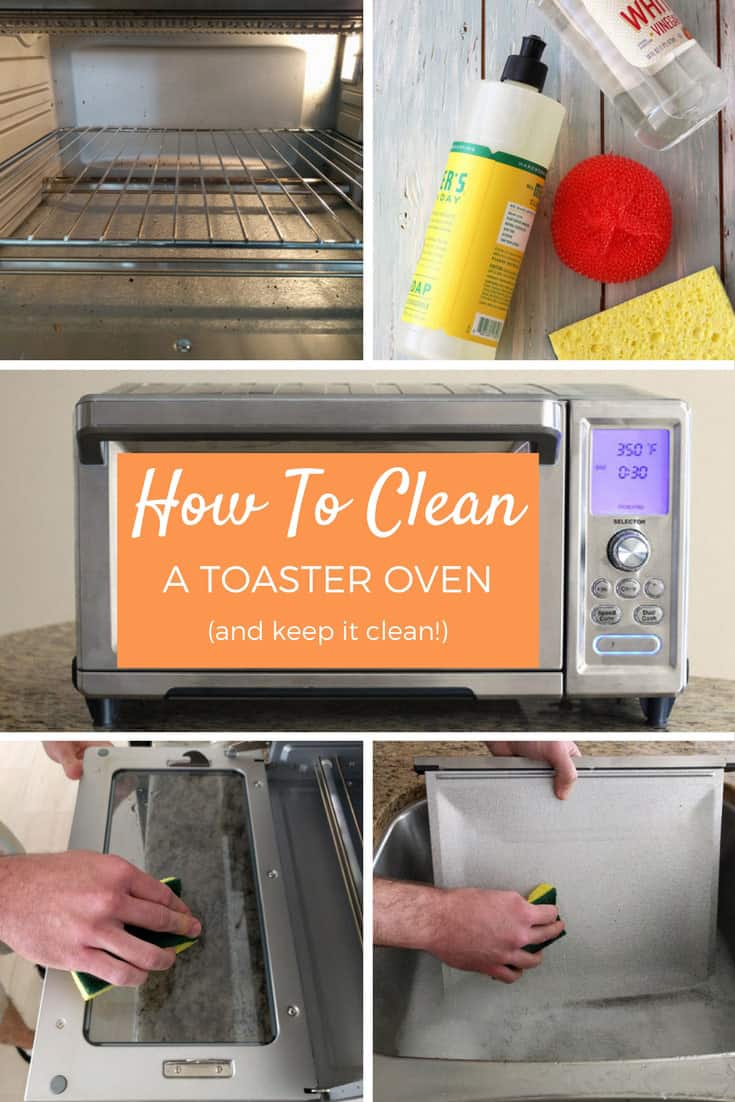
Mix one teaspoon mild dish soap per cup of warm water. Your microfiber cloth should be damp, not dripping—excess moisture kills motors. Support each fan blade from underneath while wiping to prevent bending or damage. Clean the mesh fan guard thoroughly, scrubbing each hole where grease loves to hide.
Handle Heavy Grease Buildup Safely
When soap won’t cut it, switch to equal parts white vinegar and warm water. Apply this stronger solution with cotton swabs for precise targeting on fan blades. Let it sit 5-10 minutes to break down stubborn grease before wiping clean. Never submerge any fan parts—even removable guards should be hand-washed only and never soaked.
Clean Motor Housing Without Causing Electrical Failure
The motor area demands dry cleaning only. Use dry cotton swabs to clean around the motor shaft and bearing surfaces. If grease splattered onto the motor housing, use a barely damp cloth with surgical precision—no moisture near electrical components. Check for wear signs: wobbling blades, visible shaft damage, or unusual resistance when manually rotating the fan.
How to Identify Motor Damage
Gently rotate the fan blade with your finger—smooth operation indicates a healthy motor. If you feel grinding resistance or hear clicking sounds, your motor may already be damaged. Visible rust on the motor shaft or cracked housing requires professional service, not DIY cleaning.
Reassemble and Test Your Cuisinart Fan Properly
Let all components air-dry completely—minimum 2 hours. Rushing this step risks electrical damage. Reattach the fan guard, ensuring all clips or screws are secure. Manually spin the fan blade—it should rotate smoothly without wobbling or scraping.
Run the empty unit for 2-3 minutes on low temperature to verify proper operation. Listen for unusual noises that indicate cleaning residue or reassembly issues. Digital TOA-65 models require testing all fan speeds to ensure proper calibration after cleaning.
Set Your Cuisinart Air Fryer Fan Cleaning Schedule
Light users (1-2 times weekly): Clean monthly. Heavy users (daily cooking): Clean bi-weekly. Immediate cleaning required after greasy splatters or when unusual fan noises develop. Create a simple maintenance log—note cleaning dates and any patterns in buildup. This prevents surprise failures and keeps your warranty intact.
Why Consistent Cleaning Extends Appliance Life
Regular fan maintenance prevents thermal cycling stress on the heating element. When grease buildup restricts airflow, your air fryer works 30% harder to maintain temperature—this dramatically shortens component lifespan. Consistent cleaning can extend your Cuisinart’s life by 2-3 years.
Fix Fan Not Spinning After Cleaning
Post-cleaning fan issues usually trace to three culprits: reassembly errors, residual moisture, or missed obstructions. Double-check all components are properly seated and completely dry. If the fan still refuses to spin, manually rotate it to check for binding—sometimes a single hair or thread gets caught during reassembly.
Critical troubleshooting step: Unplug the unit, wait 10 minutes, then plug back in. This resets the thermal cutoff switch that may have tripped during moisture exposure. If issues persist after 24 hours of drying time, seek professional service.
Eliminate Lingering Odors from Fan Housing
Persistent smells mean missed grease pockets. Repeat cleaning with extra attention to crevices and the motor housing edges. Run the unit empty with a lemon-water solution in the basket—this helps neutralize stubborn odors without chemicals. For extreme cases, place a bowl of baking soda inside and run on low for 10 minutes.
Reduce Excessive Noise After Fan Cleaning
Recheck blade alignment if your air fryer sounds like a helicopter post-cleaning. Bent blades cause dangerous imbalance—never attempt to straighten plastic blades as they’ll likely snap. Ensure the fan guard sits flush—any gaps create vibration. Visible blade damage requires replacement, not repair.
Model-Specific Noise Solutions
TOA-60 models often develop noise from loose screws—tighten both Phillips head screws securing the fan guard. AFR-25 compact units frequently suffer from debris in the narrow clearance between blades and housing—use compressed air from multiple angles. Digital TOA-65 units may need fan speed recalibration after cleaning.
Know When to Call Cuisinart Professionals
Seek professional service for: continuous grinding noises after cleaning, visible motor shaft wear, cracked or warped fan blades, or any electrical issues after cleaning. Cuisinart’s warranty covers motor failures but excludes damage from improper cleaning techniques. Never attempt motor disassembly—this immediately voids your warranty.
Stock Your Ultimate Cuisinart Fan Cleaning Kit
Keep these essentials on hand: 1-inch soft paint brush, lint-free microfiber cloths, standard and extra-long cotton swabs, mild dish soap (Dawn works best), white vinegar, compressed air, small flashlight, and model-specific screwdrivers. This kit handles every Cuisinart air fryer fan cleaning challenge—no special trips to the store when problems arise.
Final tip: Mark your calendar for the next cleaning session as soon as you finish. Consistent maintenance prevents the heavy buildup that makes cleaning a dreaded chore—and keeps your air fryer delivering restaurant-quality results for years to come. Your perfectly crispy fries (without that fishy aftertaste) will thank you.